Looks like it was always part of your UI
FLC can wear its own look, or borrow the colors and fonts of the interface you already use. Nothing of your interface is changed.
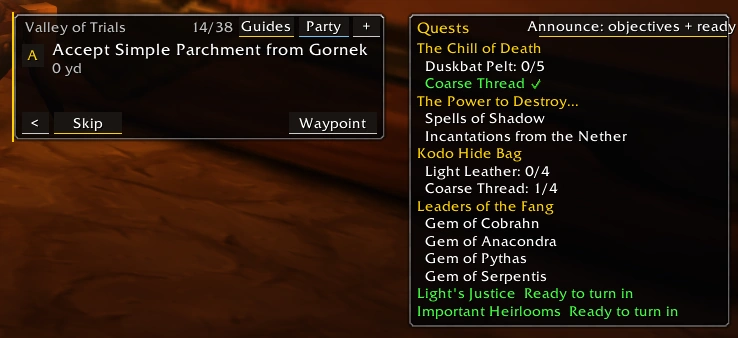
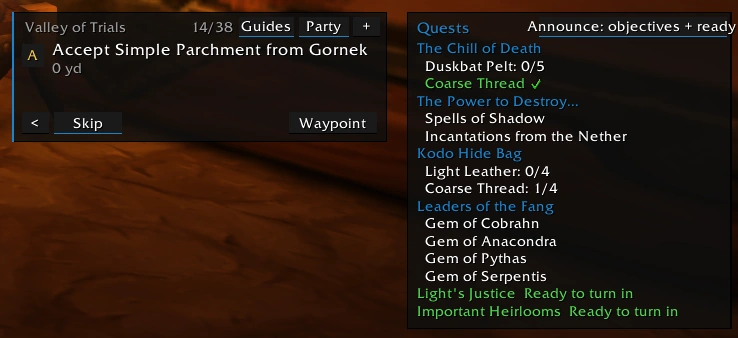
Blizzlike and ElvUI-like, side by side
The same guide and quest windows at the same moment, with each skin: the game's gold and borders, or blue accents and thin lines.
Compare the skins
The same two windows, the Loot Atlas and the Appearance panel, captured in the client with each built-in skin.
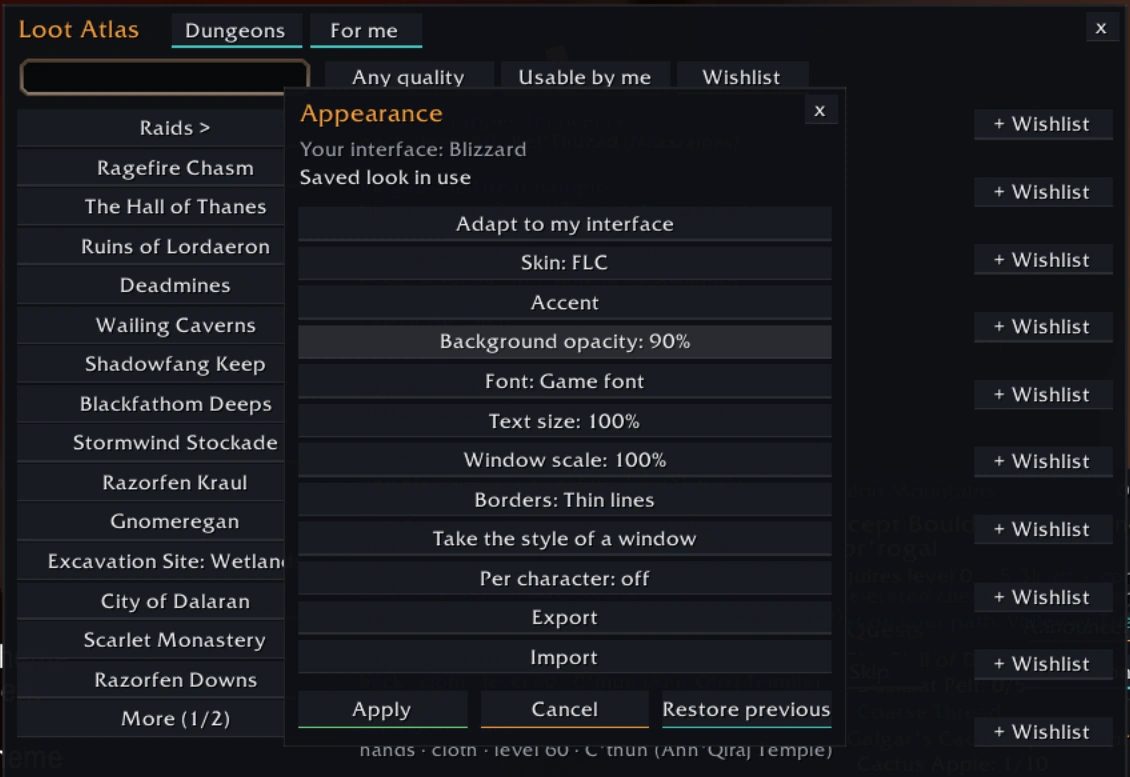
The default: dark panels with a teal accent.
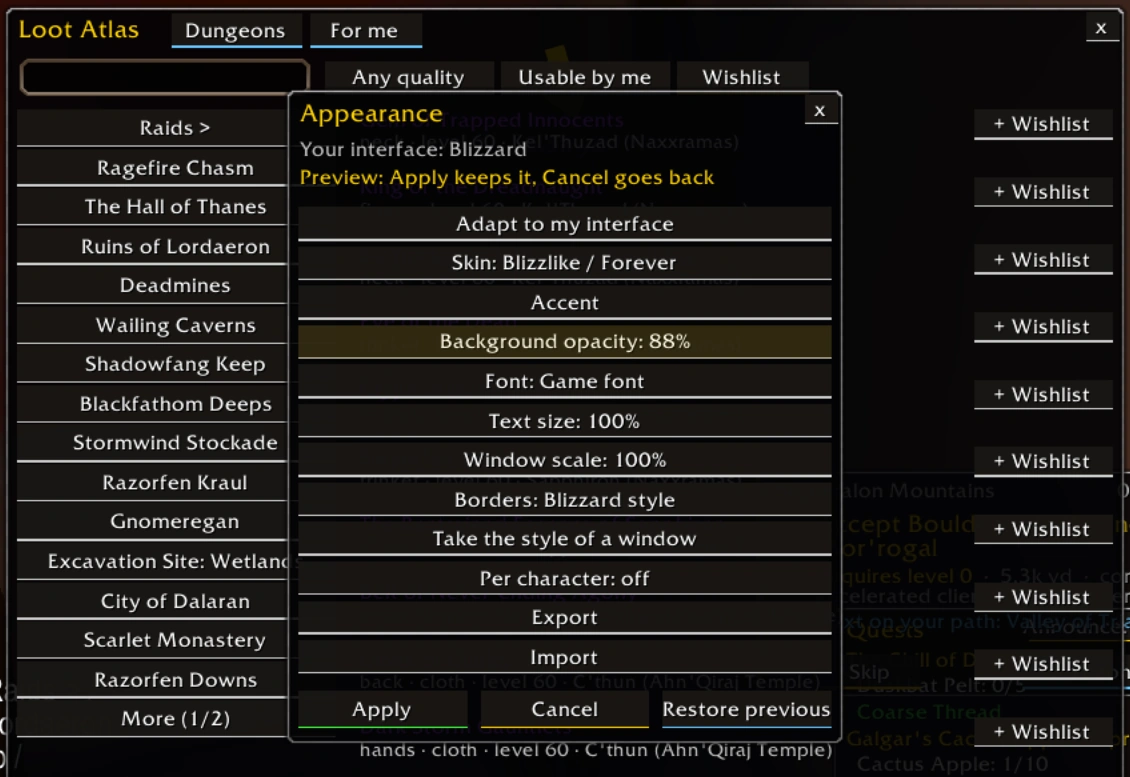
Close to the game's own look: its fonts and tooltip borders.
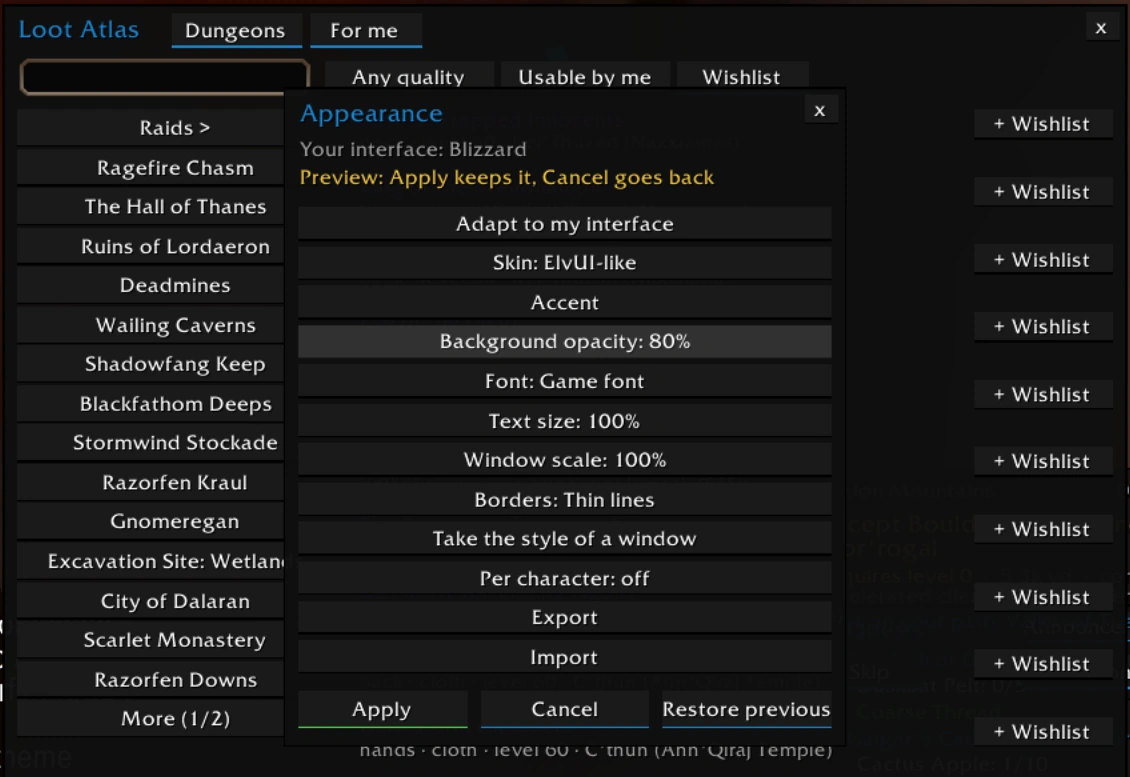
Flat dark panels and thin lines.
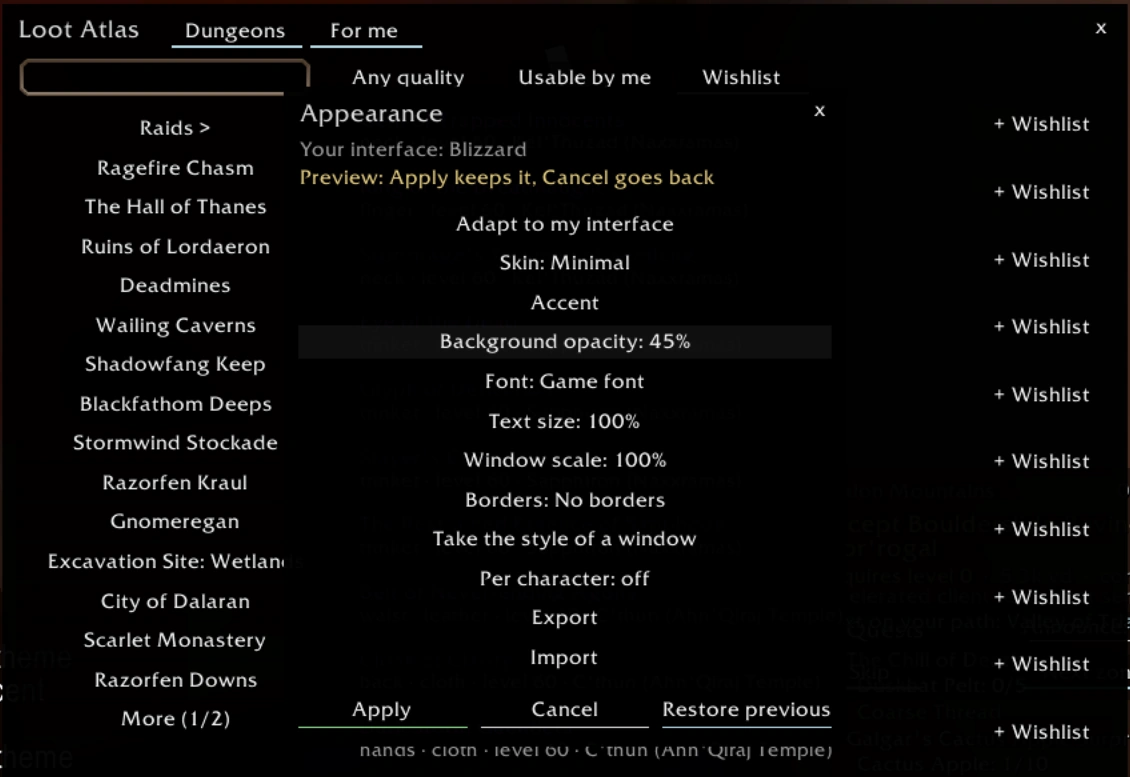
Light, see-through panels with no borders.
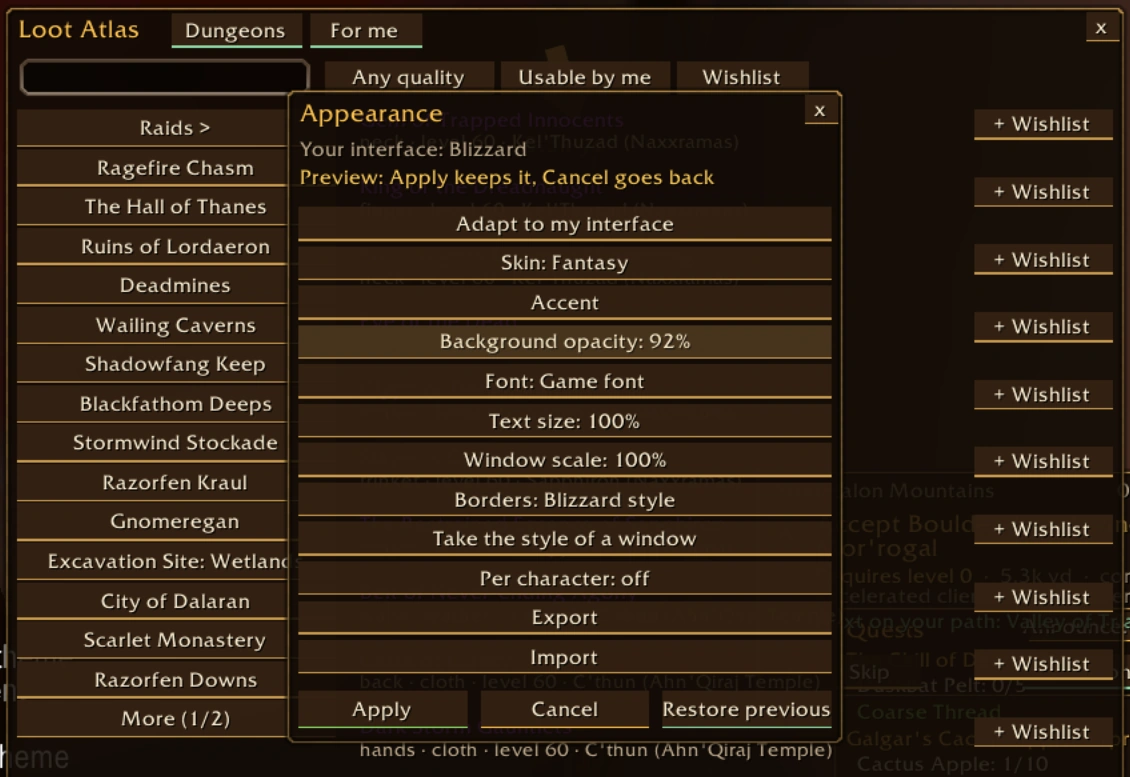
Warm tones and classic borders.
Adapt to my interface
FLC detects the interface you use and builds a matching look from its colors, font and bar texture. You see a preview first: Apply keeps it, Cancel goes back.
Or set it by hand
Accent (your class color too), background opacity, font, text size, window scale and borders. Per account or per character. Export your look as one line and share it; import only brings back validated settings.
Welcome setup
The first time FLC starts, it asks: adapt to my interface, configure it, or skip. /flc setup opens it again; /flc appearance opens the Appearance panel.
| ElvUI | Tested in client |
|---|---|
| NDui | Tested in client |
| RealUI | Tested in client |
| SpartanUI | Tested in client |
| GW2 UI | Tested in client |
| Tukui | No build for this game client yet |
| KkthnxUI | No build for this game client |