/flc bug
Something failed
An FLC error, a window that does not work, a step that never completes.
Open the error form(opens GitHub in a new tab)An addon cannot send anything out of the game, so FLC prepares the report and you paste it on our public reports page. It takes a minute and helps every player.
/flc bug
An FLC error, a window that does not work, a step that never completes.
Open the error form(opens GitHub in a new tab)/flc review
A quest, a position or a boss ability that differs from the game, or an ability marked (?) that you can confirm.
Open the data in review form(opens GitHub in a new tab)/flc bug or /flc review on the step you want to report.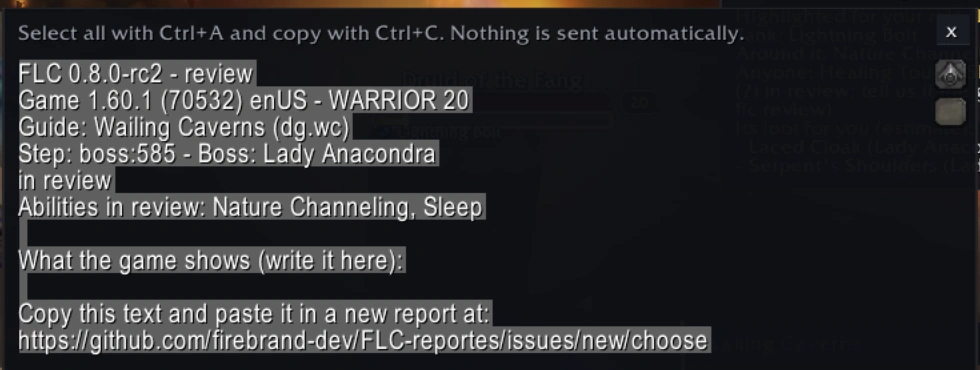
FLC's version, the game's version and language, your class and level, the guide and step, and FLC's latest errors. It does not include your character's name, your realm or your account. Never paste passwords or account details.
You can read the open reports before writing yours: maybe someone already found it.
See open reports(opens GitHub in a new tab)